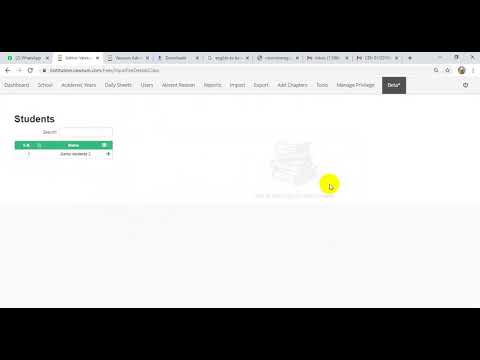
How do I map new students to a fee book in Vawsum?
Students are mapped to a fee book from the Vawsum admin panel at institution.vawsum.com/admin. Go to School then Fees, click Configure on the dashboard, open Fees in the left pane, select the fee book and click View Students. Tick the students you want to map and click Update.
Steps to map new students in a fee book
- Log in to https://institution.vawsum.com/admin using your credentials.
- Click on School at the top bar of your page and then click on Fees.
- You will be redirected to a new page. Click on Configure in the Dashboard Page.
- Next click on Fees at the left pane of your window.
- Choose the Fee Book Name from the given list and then click on View Students.
- Click on the square box next to Name in the heading of the new dialogue box.
- Click on the checkbox next to the name of the student you want to map.
- Finally click the Update button to save the changes. A prompt will appear confirming the mapping of the new student in the fee book. Click Ok to confirm.
Watch the video to know more.