How do I check a period wise advance attendance report from the web panel?
Period-level attendance reports are generated from Vawsum Web by an admin. Go to Attendance on the left panel, click Advance Period Report, select the class, section, date range and student, then click Generate Report. The report shows attendance individually for each subject or period, and is available onscreen or as an Excel export.
Steps to check the period wise advance attendance report
- Login to Vawsum Web using your credentials as an admin.
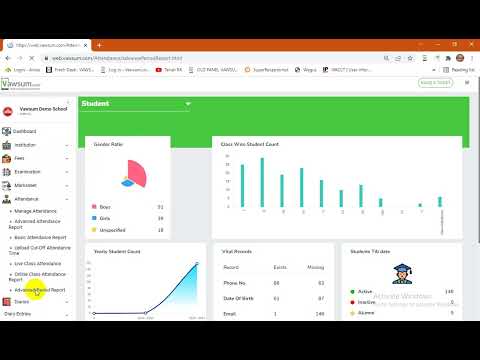
- Go to Attendance (available on the left panel on the dashboard).
- Click on Advance Period Report from the dropdown.
- The next screen gives options to select class, section, date range and the desired student to view the report for.
- Next, click on Generate Report to view the period level attendance report for the desired student.
- Both onscreen and Excel versions are available to generate and view the report on the same page.
Note:
1. Period level attendance is mostly used by colleges or coaching institutions, where teachers capture attendance for their respective subjects.
2. The report generates student level attendance individually for each subject or period.
Watch the video to know more.
Book a free demo with us today!


