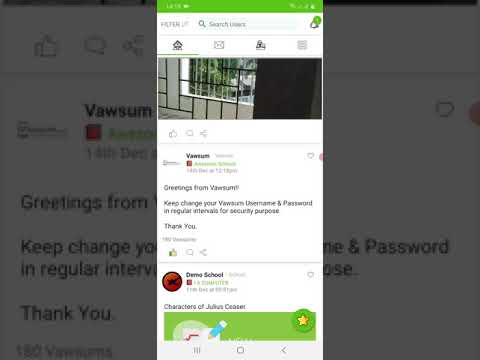
How do I check like details on a post in the Vawsum app?
Like details are viewed from the feed in the Vawsum app. Tap the like count shown beneath a post and the app lists everyone who liked it.
Steps to check who liked a post
- Login to the Vawsum app on your smartphone using your credentials.
- Click on any post on your feed to Like it.
- Click on the number of likes to check the details of who liked the post.
Watch the video to know more.