How do I search the directory in Vawsum?
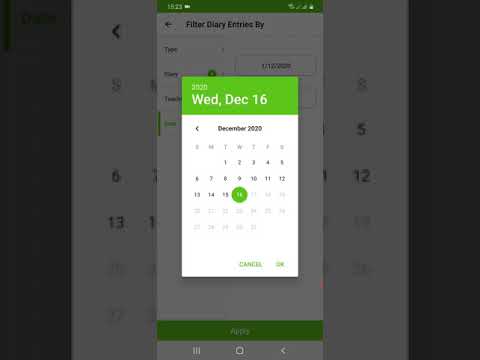
The directory is searched from the Vawsum mobile app. Tap the Filter icon at the top-left of the screen, then narrow the list by any of four categories — type, class, section or subject — and tap Apply to apply the filter.
Steps to search the directory
- Login to the Vawsum application on your smartphone.
- Click on the Filter icon on the top-left corner of your screen.
- You can now search Directories based on four categories: Type, Class, Section and Subject.
- Simply select the desired filter category and click on Apply to apply the filter.
Watch the video to know more.