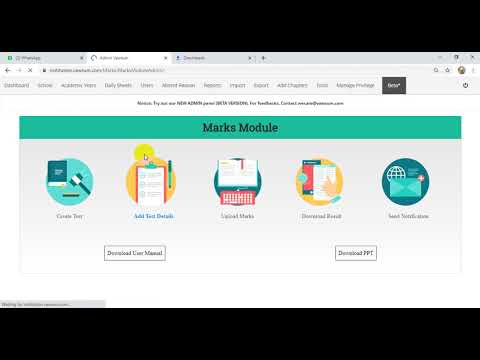
How do I publish a marksheet in Vawsum?
Marksheets are published from the Vawsum web panel at web.vawsum.com. Go to Marksheet in the left column, choose Publish Result from the dropdown, then select the academic year, test, class and section and click Publish. Each class is published separately, so repeat the process for remaining classes.
Steps to publish a marksheet
- Log in to https://web.vawsum.com/ using your credentials.
- Go to Marksheet (available on the left column of the page).
- Next click on the Publish Result option from the dropdown.
- Choose an Academic Year for which you want to publish the mark sheet.
- Choose the respective Test, Class, and Section.
- Scroll down and click on the Publish button. Click on Ok in all the prompts that next appear.
- Your mark sheet gets published successfully.
- Repeat the steps to publish marks for the rest of the classes.
Watch the video to know more.